
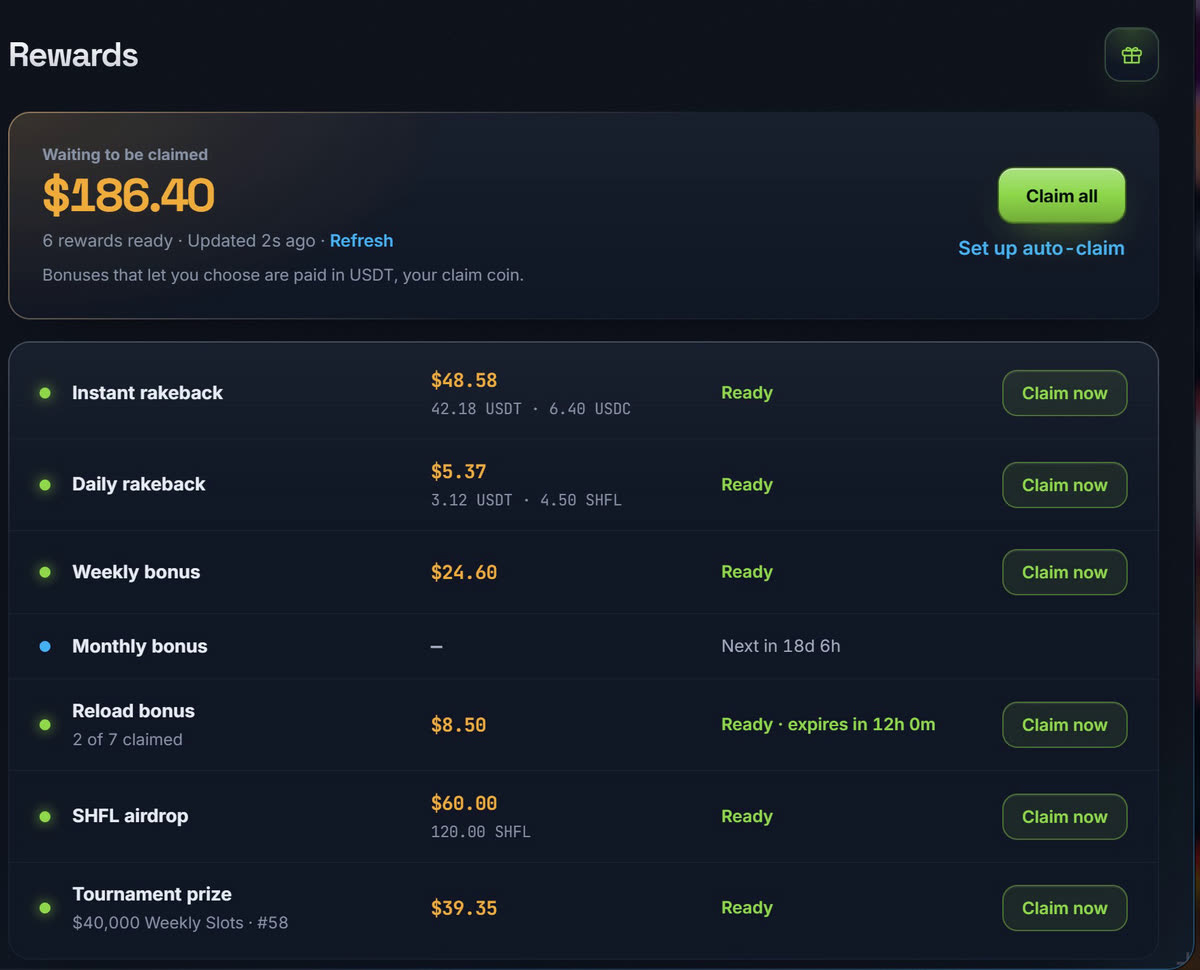
WebSocket Delivery Instant Execution Smart Reload Logic

Shuffle Code Claimer
Auto Claimer Bot

A fully‑optimized, ultra‑fast userscript that claims Shuffle codes the moment they're released. Zero clicking. Zero delay. Maximum results.

10–50ms avg latency 99.9% uptime Auto reload execution 24/7 monitoring

Recently Claimed

Every code below was claimed by our clients. Shown only after the claim is confirmed — never while it is still live.

Recently claimed codes
Connecting to the feed…
Last codes with a confirmed claim

How It Works

3 steps · Zero effort · Maximum speed

Real‑Time Monitoring

Our backend tracks Shuffle code channels 24/7 and pushes drops instantly to your browser via WebSocket.

Instant Auto‑Claim

Your userscript executes the claim in milliseconds with human‑like timing randomness to stay undetected.

Smart Reload Logic

Reload eligibility is detected automatically and claimed.

Setup Guide

Watch the video, or read the complete guide — both claimers, step by step.

Read the complete guide

How both claimers work, what to expect, the risks, security, troubleshooting.

Is My Account Safe?

Here is exactly how each one works, so you can judge for yourself instead of taking our word for it.

Code Claimer (Script)

Your Shuffle session never leaves your browser. The claim goes straight from your machine to Shuffle:

your browser shuffle.com

Not through us. We never receive your password, your session cookie, or your auth token — we hold no credential to your account, so there is nothing on our side to leak or misuse.

All our server ever receives:

  • Your Shuffle username, when connecting
  • The code and the result after a claim
Check it yourself: open DevTools → Network while a code drops. The claim request goes to shuffle.com, not to us.

Virtual Claimer

Different by nature: the browser runs on our machines, so we are not going to pretend it is physically impossible for an operator to see the screen. What we can do is control and record every way in — so here is what we built.

  • Sessions open only through your logged-in panel
  • No permanent or shareable session link exists
  • The link is tied to your browser and expires — copying it out gets you nothing
  • Support cannot open your session unless you switch on Allow support access
  • That permission lasts 15 minutes and you can revoke it instantly
  • Every open is logged, and your panel shows “Last opened … by admin”
There is no hidden override. If you do not grant access, we do not get in.

The honest version

If you want a claimer that physically runs on your own machine, use the script — nothing about it touches our infrastructure except the code text we send you.

If you want 24/7 uptime without leaving your own browser open, the Virtual Claimer trades some of that isolation for convenience — and we have made access as restricted, as temporary, and as visible as we can.

Don't trust us blindly. Verify it yourself. 🔍

Community Channels

Stay updated with official & community drops

Official Drops

The official Shuffle.gg code drops channel — all promo codes and promotions are posted here first. Our system monitors this channel 24/7.

@shufflecodesdrops

Telegram Bots

Subscriptions · Activation · Support

Subscription Bot

Global
  • Purchase or renew plans
  • Auto activation on payment
  • Crypto payments via OxaPay
@ShuffleSubscriptionBot

Support

Help
  • Troubleshooting & setup help
  • Account binding issues
  • Manual assistance
@Goofy021

Simple, Transparent Pricing

All channels included · All codes · One account per plan

Code Claimer
Tampermonkey script · runs in your browser
Loading prices…
Also available
Virtual Claimer
Cloud browser · claims 24/7 even when your PC is off
Loading prices…

Each plan covers one Shuffle account

Frequently Asked Questions

Everything you need to know

How fast does it claim codes?

The bot claims codes within 10–50ms of detection, giving you a significant advantage over manual claiming.

Is it safe to use?

Yes, the script operates within Tampermonkey's sandbox and doesn't access sensitive data. It only automates code claiming actions you could do manually.

What payment methods do you accept?

We accept cryptocurrency payments through OxaPay for secure, anonymous transactions.

Can I use it on multiple accounts?

Each subscription is tied to one Shuffle account. Contact support for multi-account plans.

What if I need help?

Contact our support bot @Goofy021 on Telegram for assistance with setup and troubleshooting.

Ready to Start Claiming?

Join hundreds of users who never miss a code drop

Get Started on Telegram Website Login

Instant activation · 24/7 support · Secure payments